Recover continuously records store data and changes, allowing rollback, restore, cloning, export, and recovery operations from a single interface.
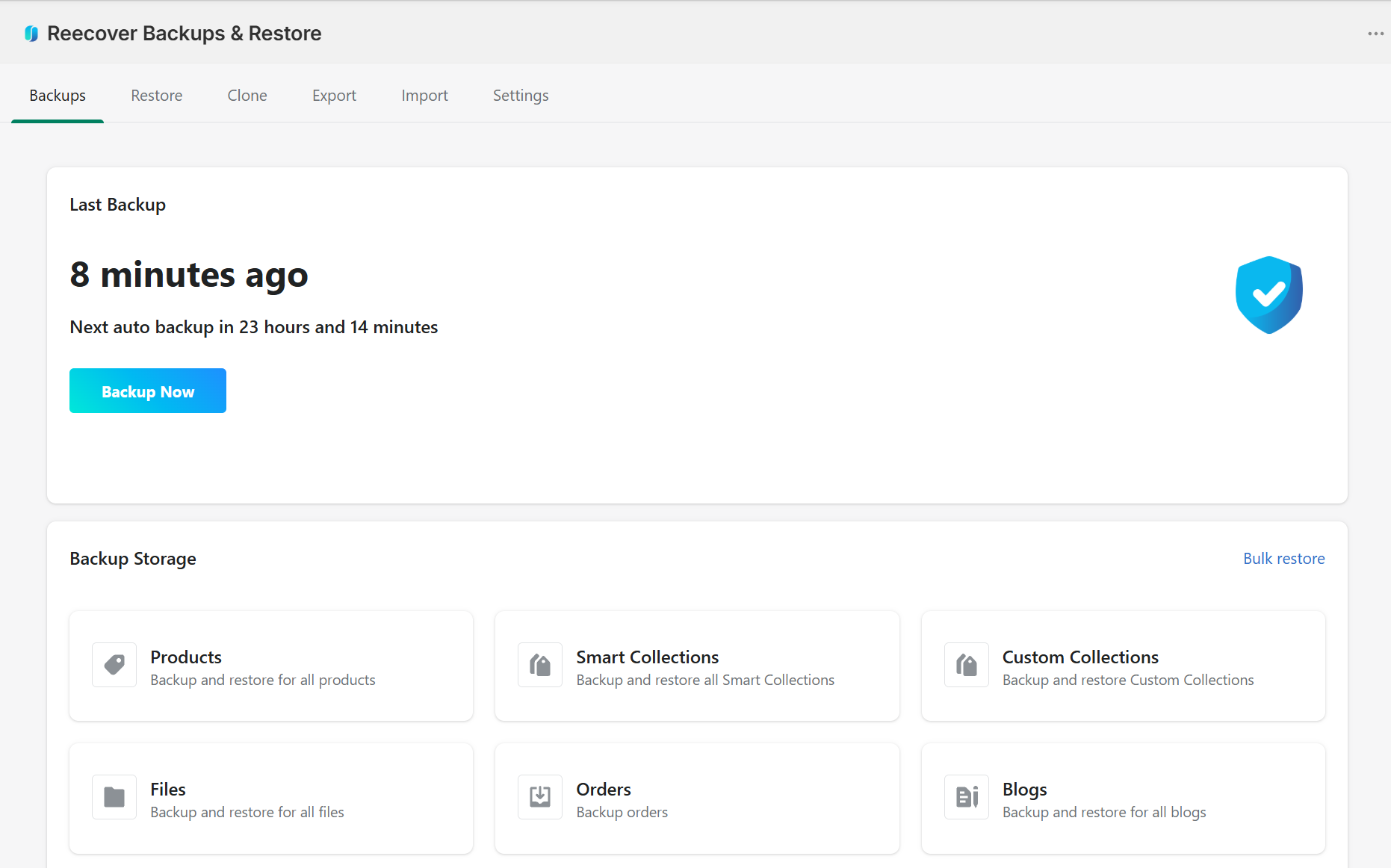
Recover provides structured backup and recovery operations for Shopify stores. The system records store changes continuously and maintains version history across products, collections, themes, customers, orders, metafields, and related resources.
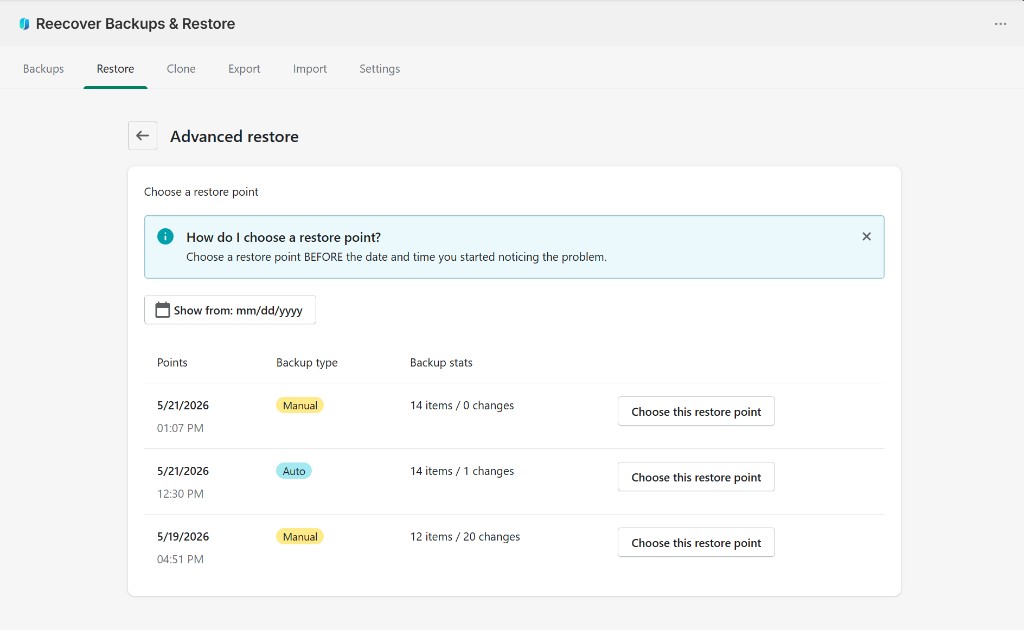
Deleted or modified store data cannot be restored natively once changes are applied.
Store operations involving these workflows can introduce irreversible data changes without an external recovery layer.
Run scheduled backups daily or trigger backups manually at any time.
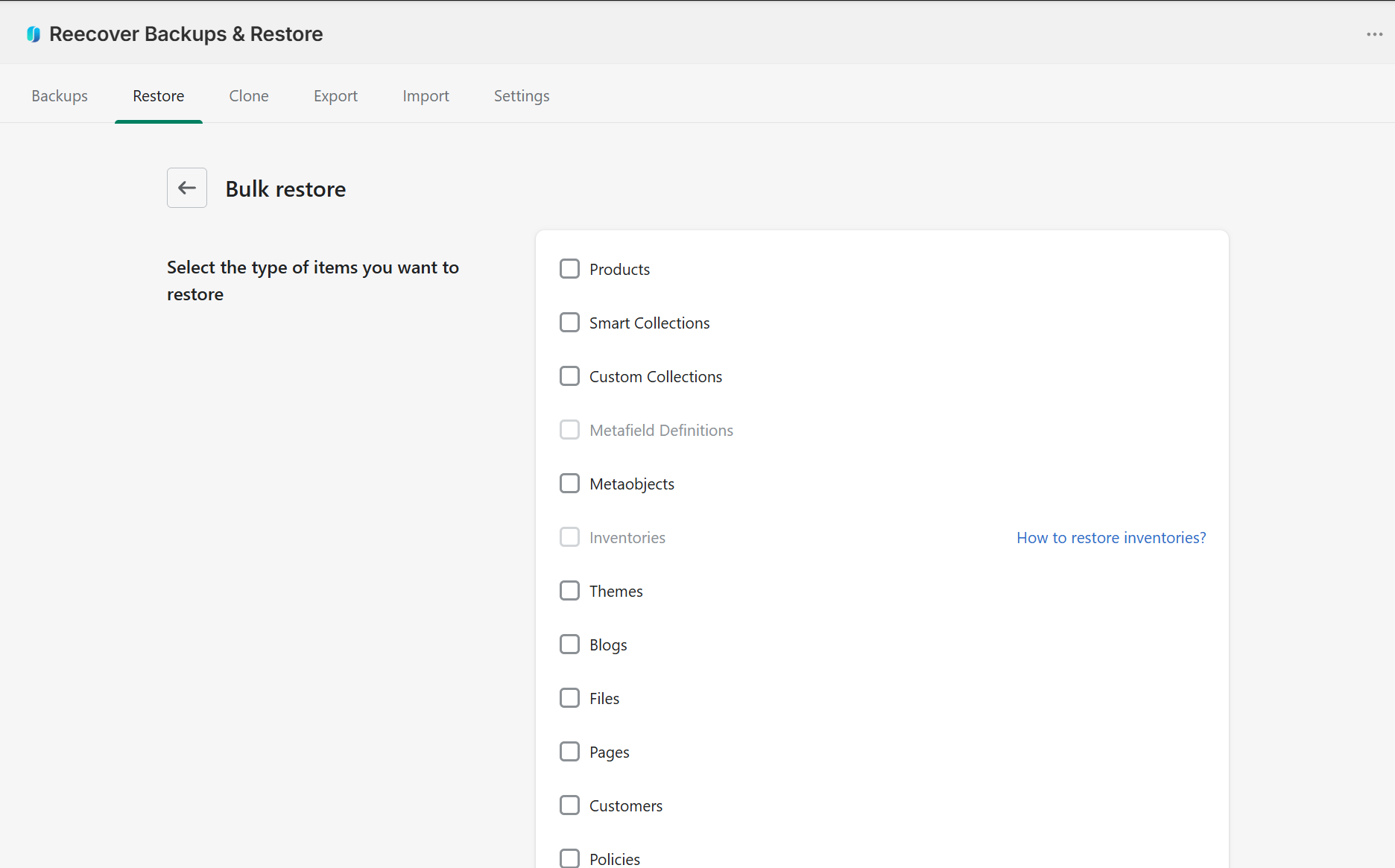
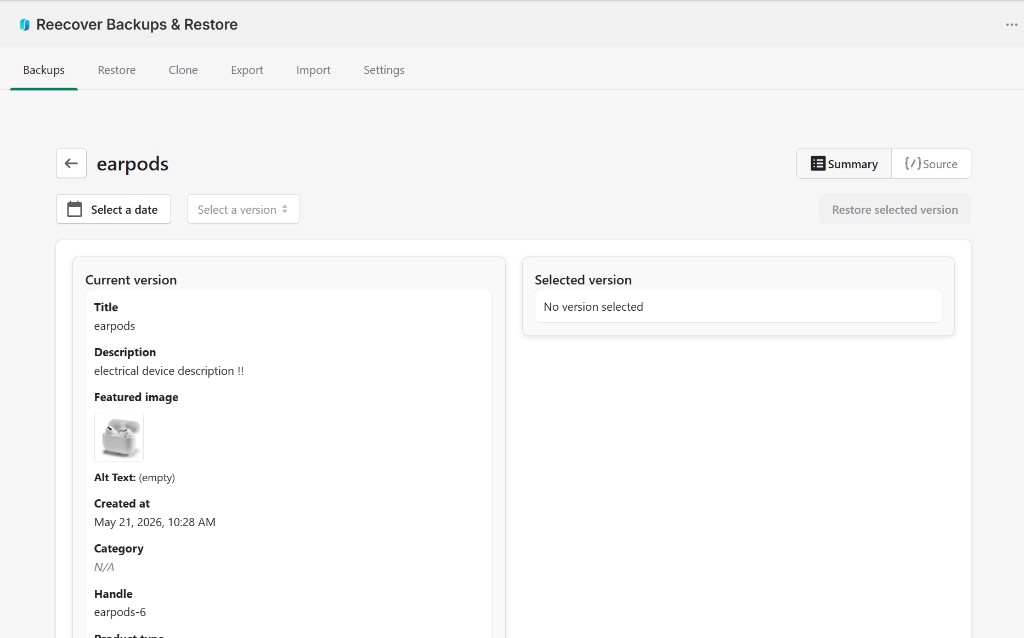
Restore full datasets, individual resources, or selected fields from previous versions.
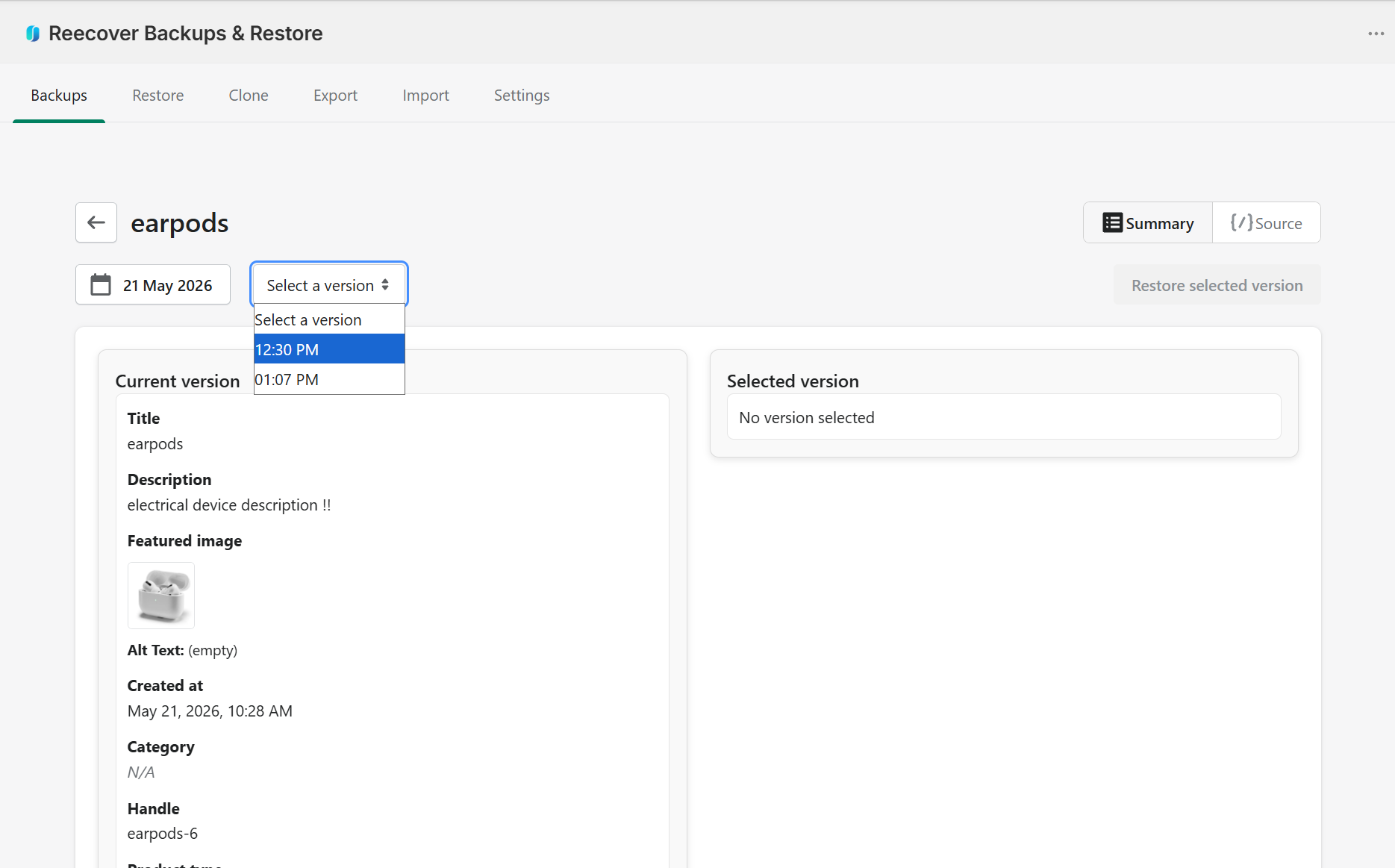
Track and compare historical versions of store data before restoring changes.
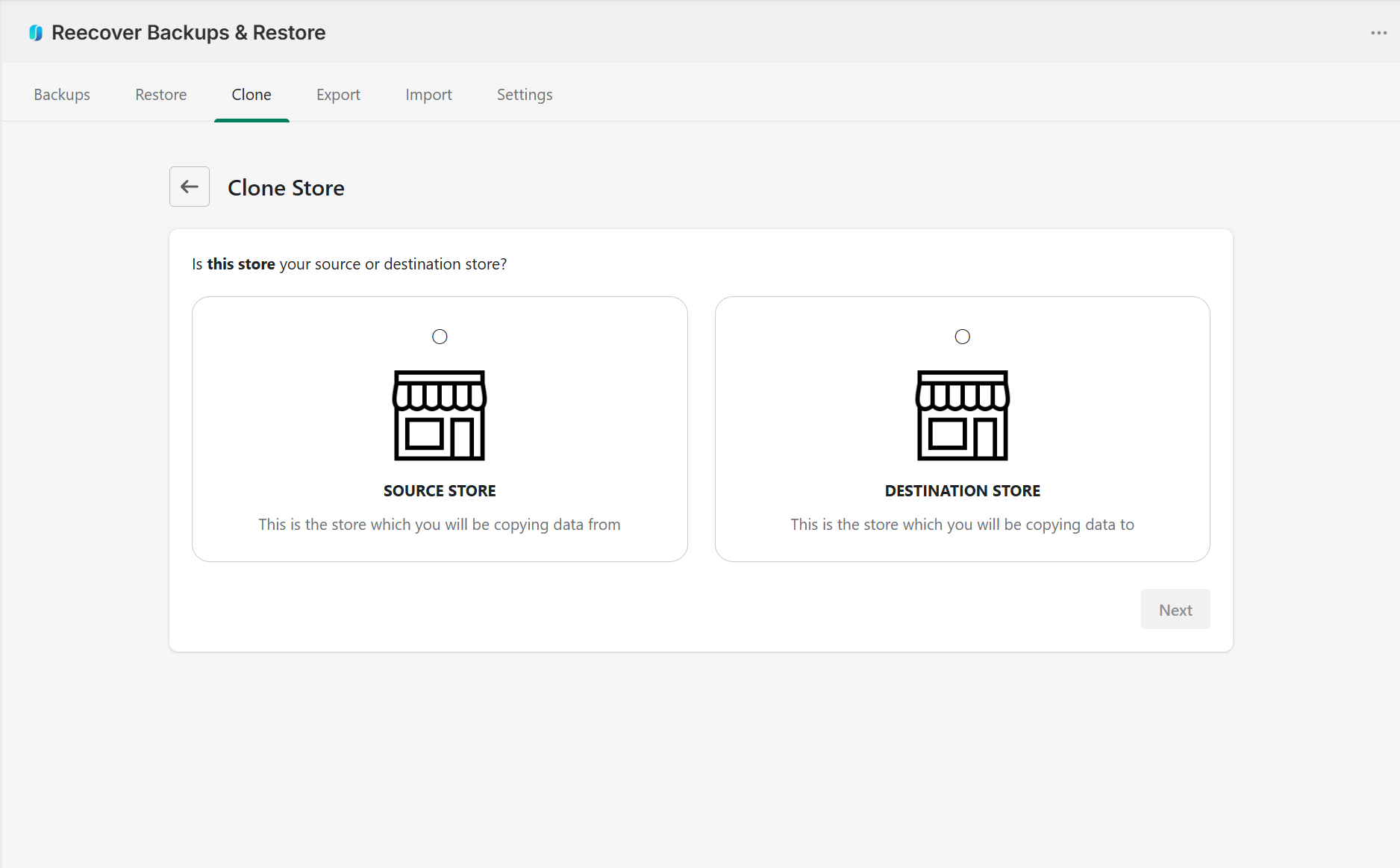
Duplicate store configurations and datasets for testing or replication.
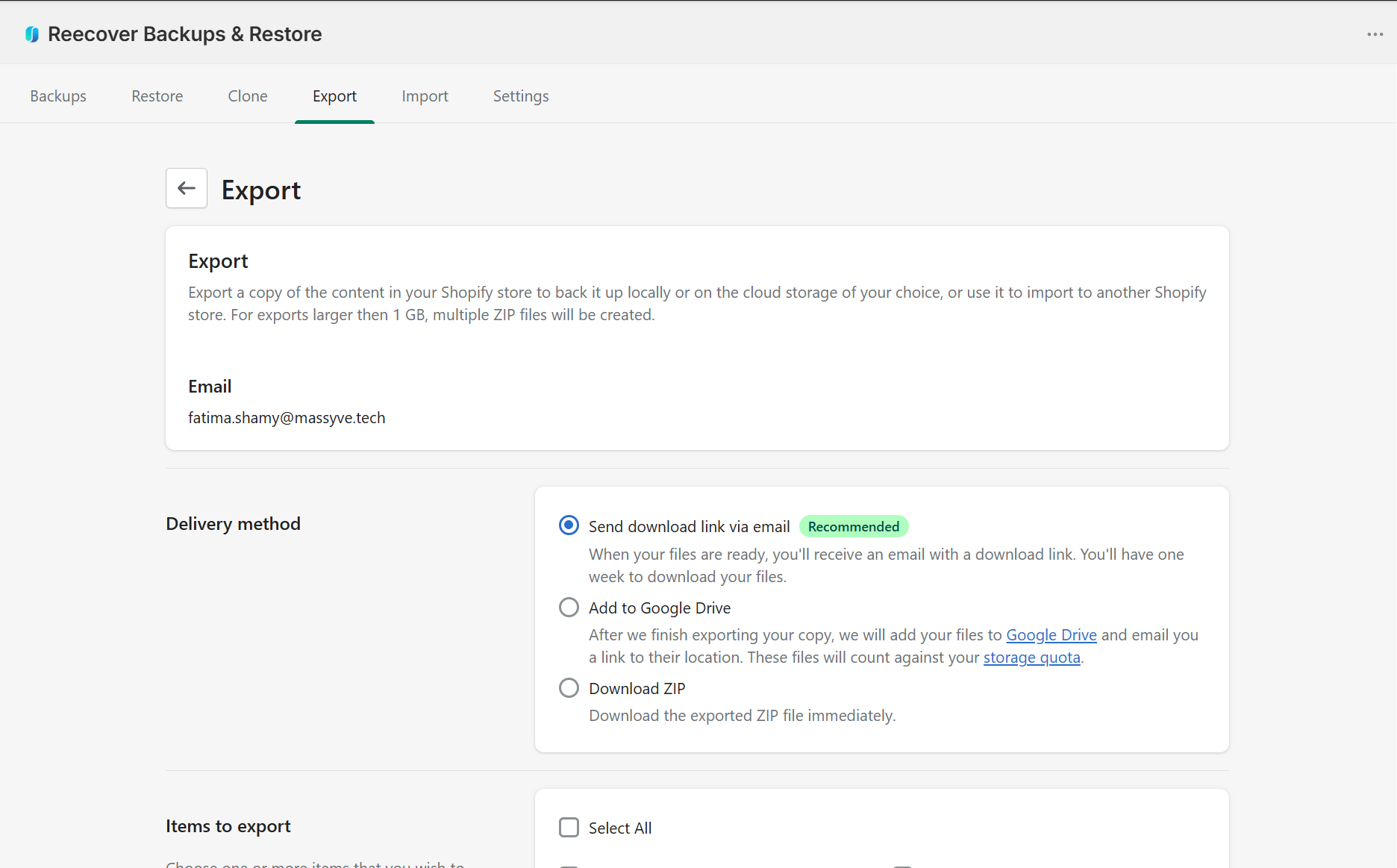
Export backup data manually or on schedule and import structured data when needed.
Install Recover and connect your Shopify store.
Recover continuously records store data and changes.
Access previous versions and execute restore operations when required.
Recover records and restores Shopify store resources across operational datasets.
Backup data is stored using encrypted infrastructure and access-controlled systems. Restore operations and backup activity remain isolated and traceable through audit records.
Backup data is stored using encrypted infrastructure and protected access layers.
System access and restore operations are restricted through permission-based controls.
Backup and restore activities are recorded through audit logs for operational traceability.
Restore operations and backup activity remain isolated and traceable through audit records.
Install Recover to manage backup, restore, versioning, and recovery operations from a centralized interface.